01
Your media volume,
in your hands.
Adjust media volume to a comfortable level for compatible audio playback.
AUDIO TOOLS. A HOME SCREEN. ONE APP.
A little more control over your everyday. Adjust supported media audio, then find your favorite apps with a home screen launcher.
Find a comfortable level.
Start low. Adjust gradually.
01 / THE FEATURES
Media controls and a home screen launcher, brought together for the way you use your phone.
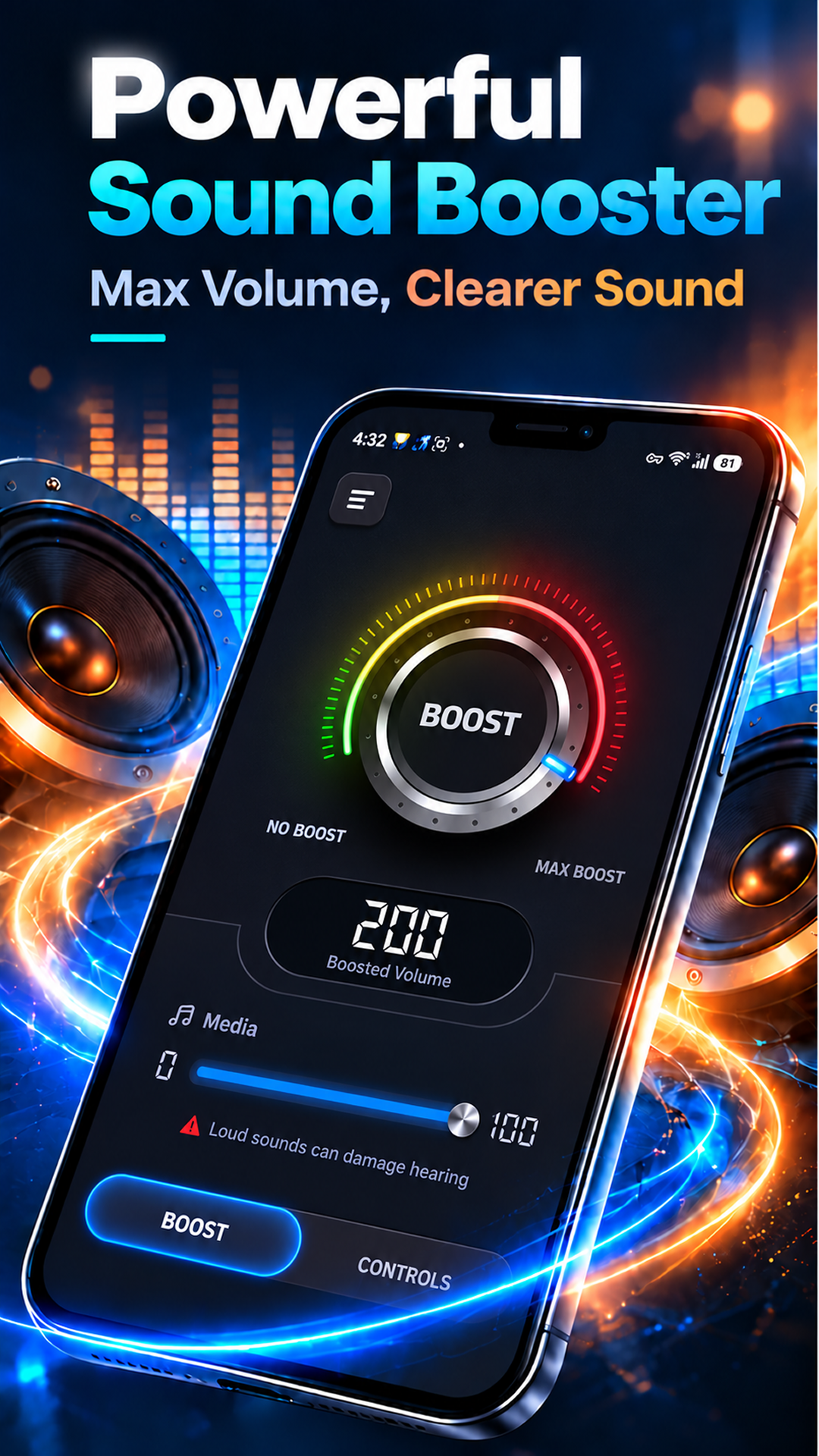
Adjust media volume to a comfortable level for compatible audio playback.
Apply sound enhancement to supported audio. Turn the boost off whenever you no longer need it.
Use the media tools with compatible music, videos, podcasts, and other supported playback.
Choose the app as your default Home app to use its home screen and launcher.
Browse the app drawer or search your installed apps to find what you want to open.
Open your favorite apps through shortcuts from your home screen.
Meet the launcher02 / FIND YOUR LEVEL
Sound enhancement varies by device, audio output, Android version, and playback app.
Play your music, video, or podcast in a compatible app.
Begin at a low volume and increase gradually to a comfortable level.
Reduce the volume or disable boosting if you hear distortion or feel discomfort.
03 / YOUR HOME SCREEN
The home screen launcher is a core part of Volume Booster - Sound Booster. Browse, search, and open installed apps from your Home app.
Enabling this launcher is optional. Android will ask you to select a default Home app when needed. To switch back to your system launcher, choose another default Home app in Android Settings. Menu names vary by device.
04 / A CLOSER LOOK
All five previews from Google Play.
Select a screenshot to take a closer look.
Screenshots are supplied by the developer on Google Play. Audio results depend on compatibility; no specific loudness increase is guaranteed.
05 / KEEP IT COMFORTABLE
High volume or prolonged listening may damage hearing or speakers. Start low, increase gradually, and reduce the volume or turn off boosting if you hear distortion or feel discomfort.
Some audio streams and apps may not support boosting. The app does not guarantee a specific loudness increase or improve the physical capabilities of your speakers.
The listing states that installed app names, icons, and package information used for launcher features are processed on your device and are not uploaded or shared for advertising or analytics.
Read the privacy policyREADY WHEN YOU ARE
Volume Booster - Sound Booster by Nasreendeveloper.